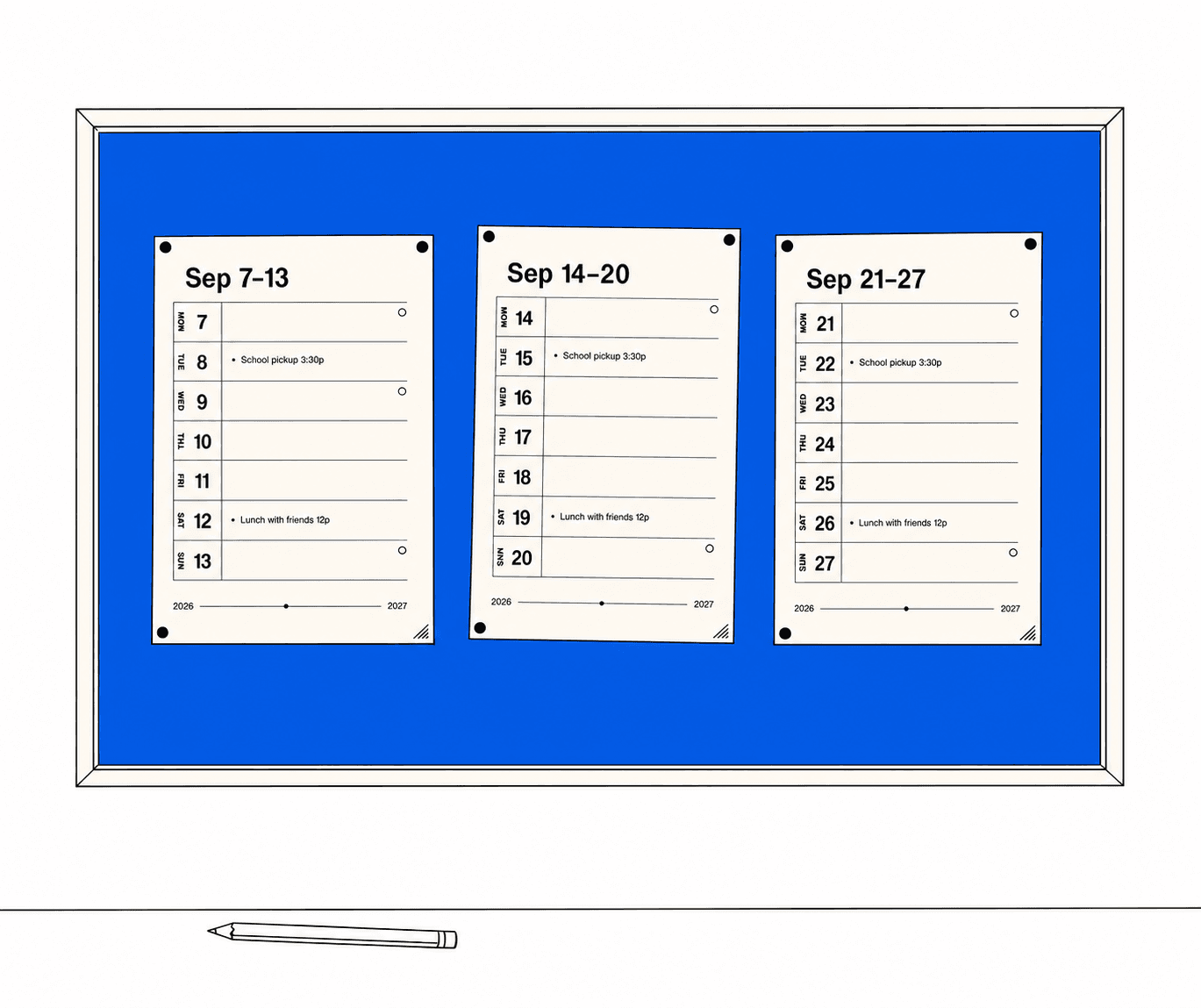
Bring your calendars.
Connect Google Calendar and choose what belongs on the page. Appointments, family plans, and the routines that keep things moving.
A shared place for your weeks
The appointments. The little routines. Room for everything else.
Turn your Google calendars into simple weekly pages for the fridge, the hallway, or wherever life happens.
Your calendars. Your printer. Your favorite pen.

From your calendar to your kitchen
Connect Google Calendar and choose what belongs on the page. Appointments, family plans, and the routines that keep things moving.
Pick your weeks. Keep what matters. Print chores with checkboxes and leave plenty of space for a pen.
Save a PDF or print on ordinary Letter paper. Pin up one week or make a wall of them. Replace a page whenever plans change.
Designed to be lived with
Big dates you can spot across the room. Fine black lines. A whole week on one page, with the useful bits already filled in.
A few practical things
A Google account, a printer, and Letter-size paper. Any place you like to keep a calendar works: a magnetic board, a fridge, or a clipboard. Weekpaper provides the printable pages.
Yes. Create a household and invite someone with their Google email. Each person connects their own account and selects the calendars they want to share in the planner.
Weekpaper checks your calendars while it’s open. You can also refresh, choose the affected week, and print a replacement page. Your paper copy reflects the calendar at the time you print it.
You grant read-only access to Google Calendar, then choose the calendars to include. Weekpaper cannot create, edit, or delete your Google events. You can disconnect Calendar or delete your Weekpaper account in settings. Read the privacy policy.
Open Weekpaper in your browser and save the PDF, then use your phone’s print or share menu. You can add Weekpaper to your iPhone home screen for next time.
Meet you at the fridge